更新日志
Full Modelica IDE on iPad and 3D Animation
Build, simulate and view a Modelica model on an iPad with your finger or Apple Pencil, no keyboard needed. Replay MultiBody results in 3D and export them as video.
ODE+ now works on the iPad and other touch screens. You can build a Modelica model, run it and look at the results with your finger or Apple Pencil, without a Magic Keyboard. MultiBody results can also be replayed in 3D.
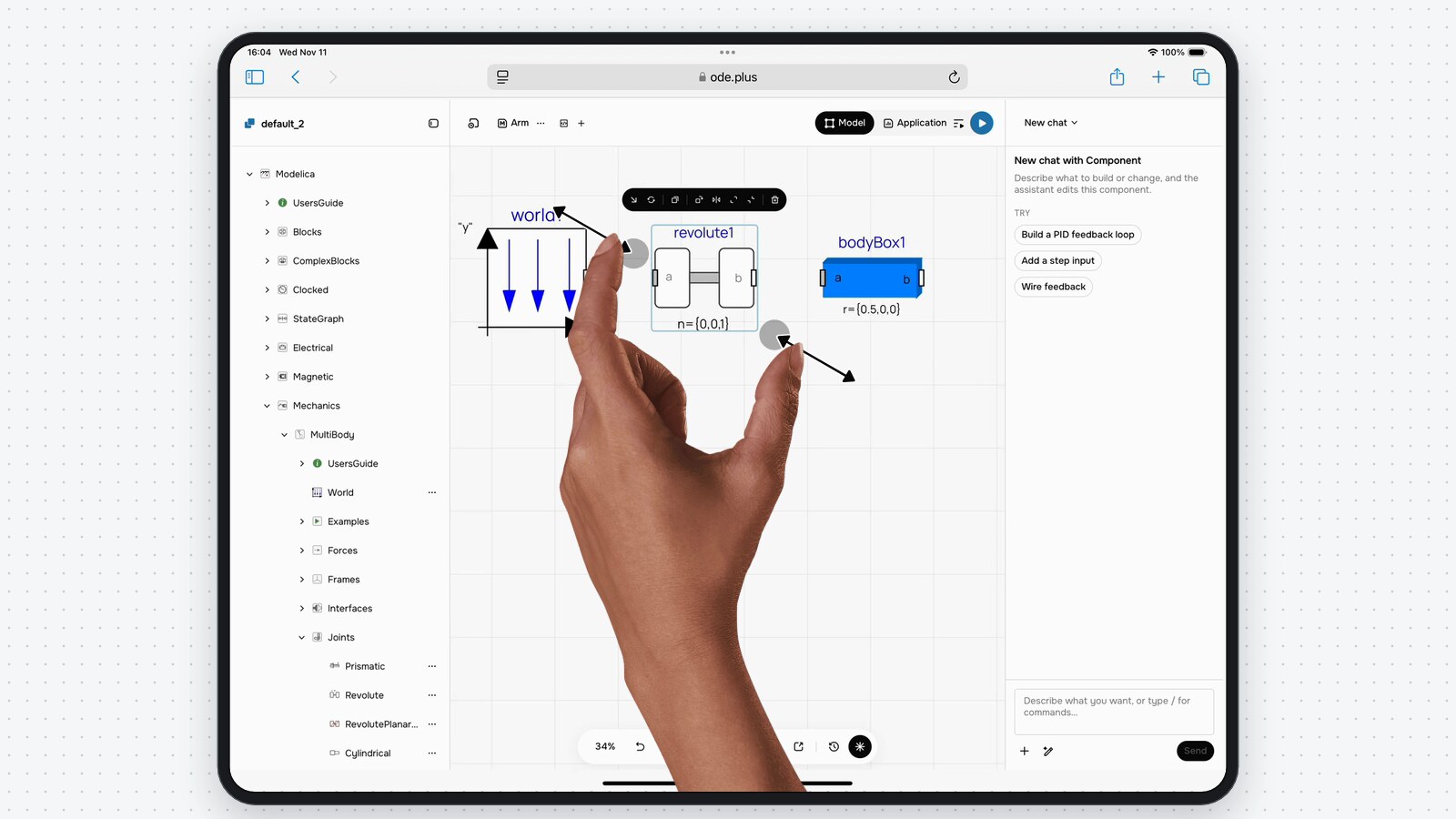
On an iPad, by touch only: name a new model on the on-screen keyboard, drag parts from the library, set a value, pinch to zoom, wire ports, scale a part up, run, and replay the result in 3D beside its chart.
Built for iPad and touch screens
- No keyboard needed. Every step, from building the model to viewing the results, works by touch. Names and values go in with the on-screen keyboard.
- Finger or Apple Pencil. Use whichever you have in hand.
- Pinch and pan. Two fingers zoom and pan the canvas.
- Drag with one finger. Drag a component from the library straight onto the canvas, with no long press.
- Trackpads too. On a laptop, a two-finger scroll pans the canvas.
3D Animation
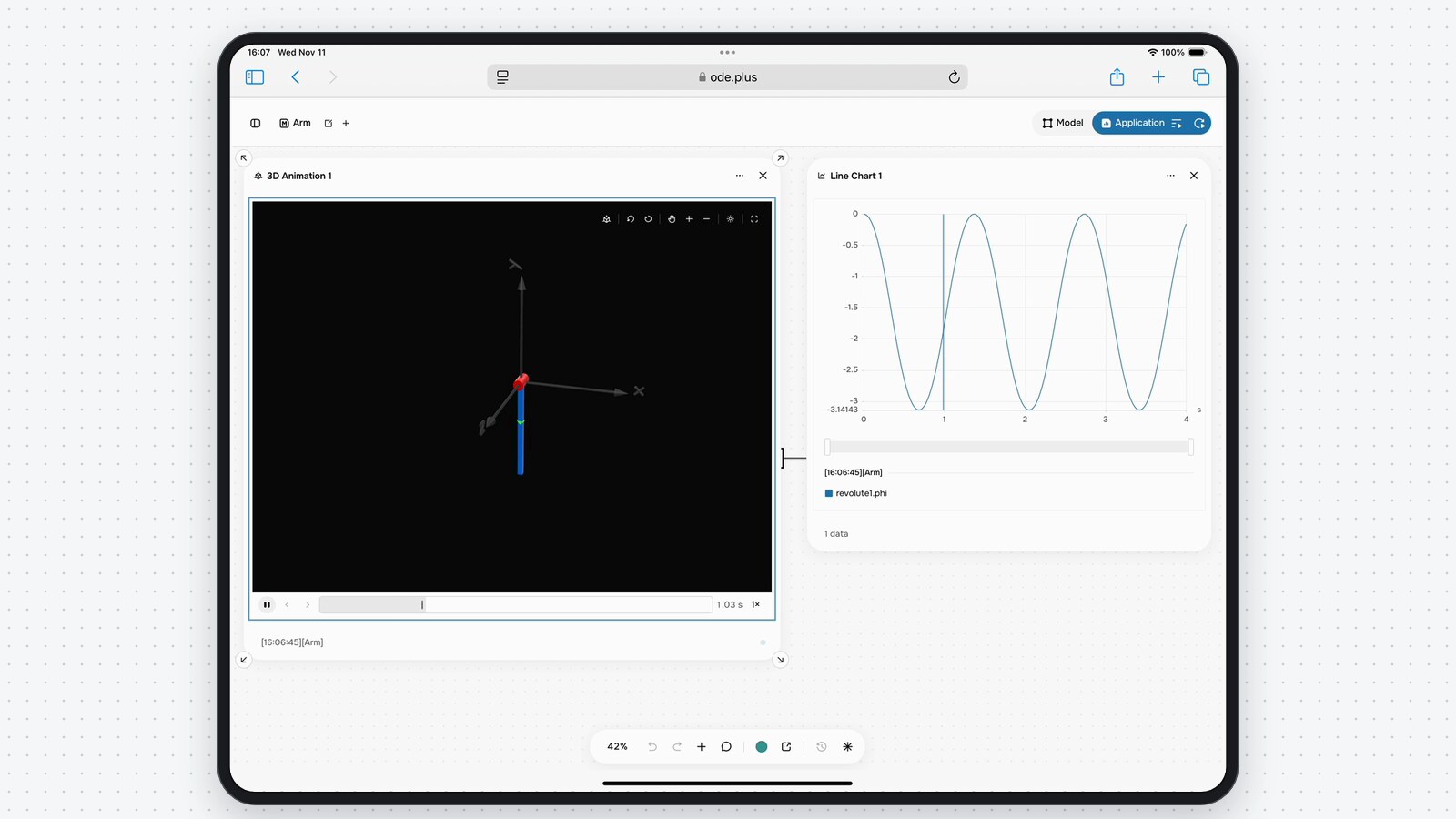
- Replay in 3D. After a MultiBody simulation, a 3D widget replays the motion, with your CAD shapes.
- One timeline. Scrub the replay and every line chart of the same result follows.
- Export as video. Save the replay to share.
Also new
- Widgets stay when you open a component. Look inside a component and your charts stay where they were.
- Resize widgets from any edge.