更新日志
Faster Results, 3D Replays You Can Take Anywhere and Tidier Diagrams
Your simulations finish sooner and more models just run. Take a 3D replay into Blender or any 3D viewer, and line components up on the canvas without effort.
Your simulations now finish sooner, a 3D replay can leave ODE+ as a file, and components line up on the canvas on their own.
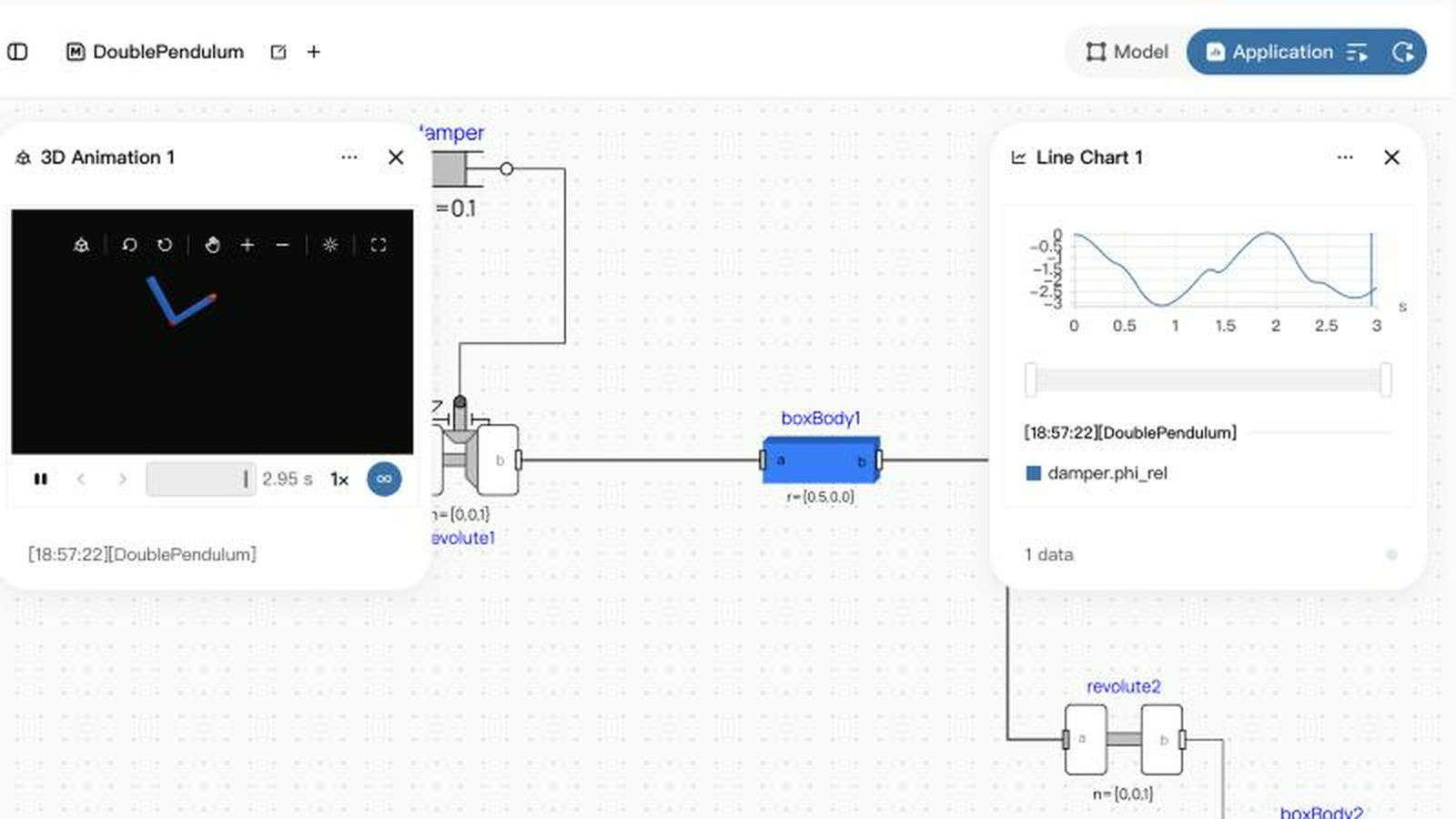
A double pendulum run in the browser, replayed in 3D beside its chart.
See your results sooner
- About twice as fast. Press Run and your results are back in about half the time.
- More models just run. Many more Modelica examples now run straight away in your browser, with nothing to set up.
Take your 3D replay anywhere
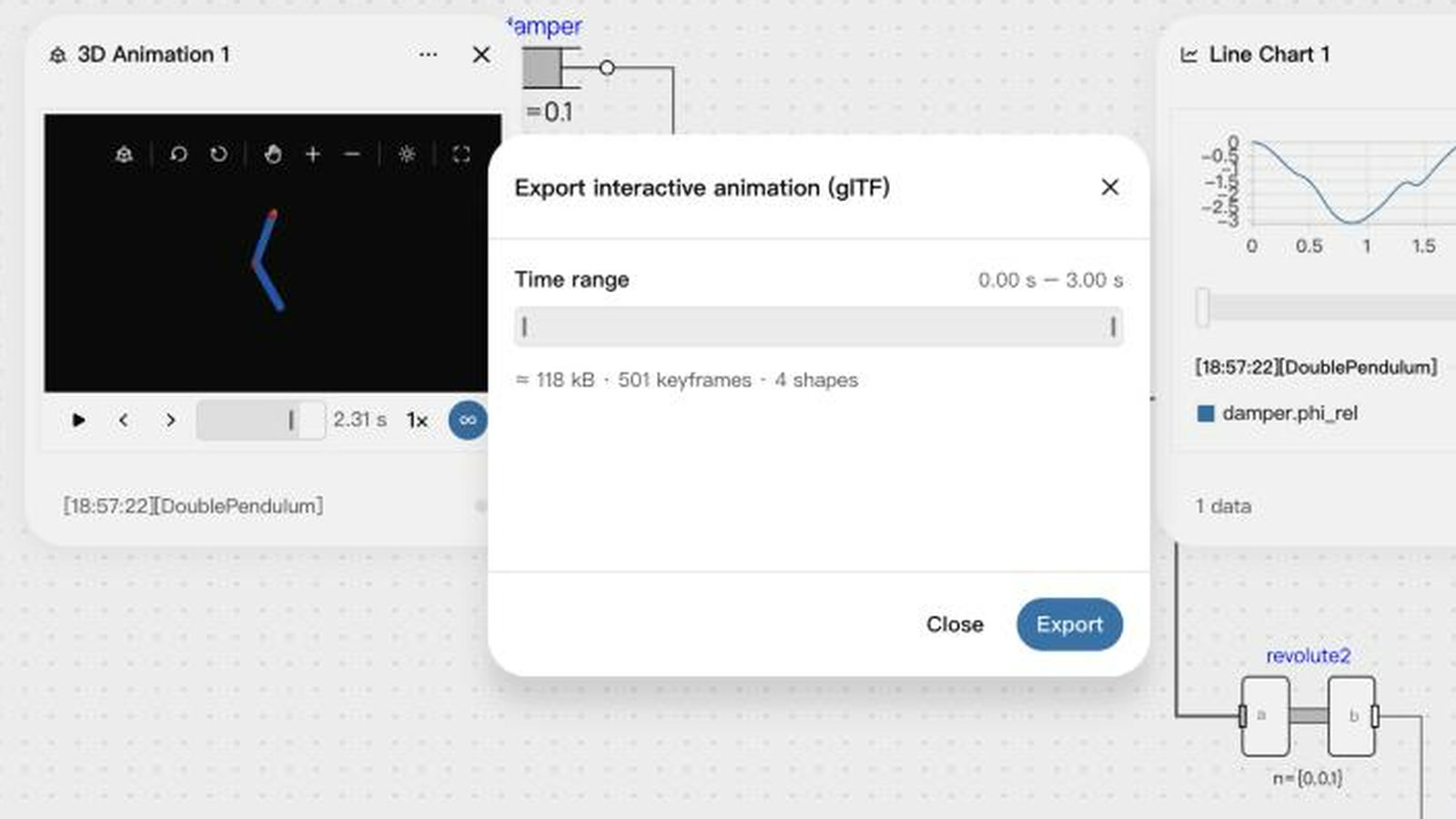
- Save it as a file. In the 3D Animation widget's
…menu, export the replay and pick the part of the motion you want. - Open it anywhere. Look around it in Blender, three.js or any glTF viewer, present it or share it.
Line up your diagram without trying
- Click into place. Components sit neatly on the grid and snap to a line as you drag them close.
- Stay lined up. Make a component bigger or smaller and it stays in line with the rest.
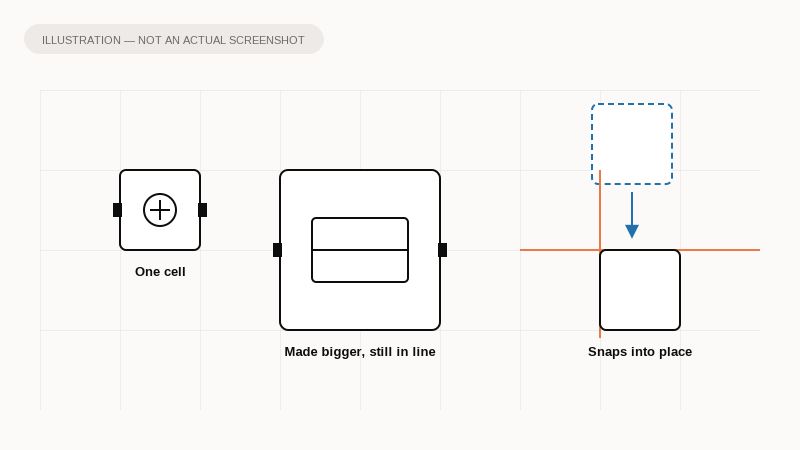
Illustration of the idea, not a screenshot of the app.